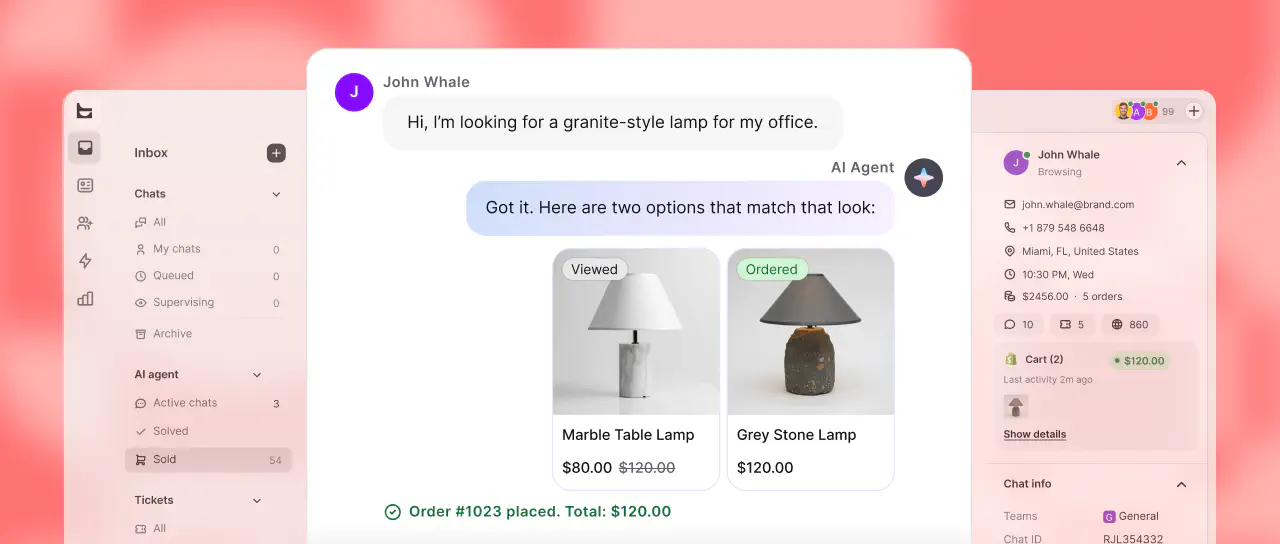


The text response is the simplest but most flexible way to communicate with your users. It allows you to create your bot’s responses using plain text and emojis.

You can also provide multiple versions of one text message with the Random text response to ensure your returning users do not receive the same messages repeatedly.
You can also provide multiple versions of one text message with the Random text response to ensure your returning users do not receive the same messages repeatedly.
How to add a text response
Open the Bot response block and select the Text response type from the provided options. Type your bot’s message and tailor it to your needs with emojis and attributes.
Read more: